SDR Email Tips: Stop Sending Calendly Links
Is your cold email response rate dropping? Discover why dropping the scheduling link in favor of plain text availability is the ultimate SDR hack.
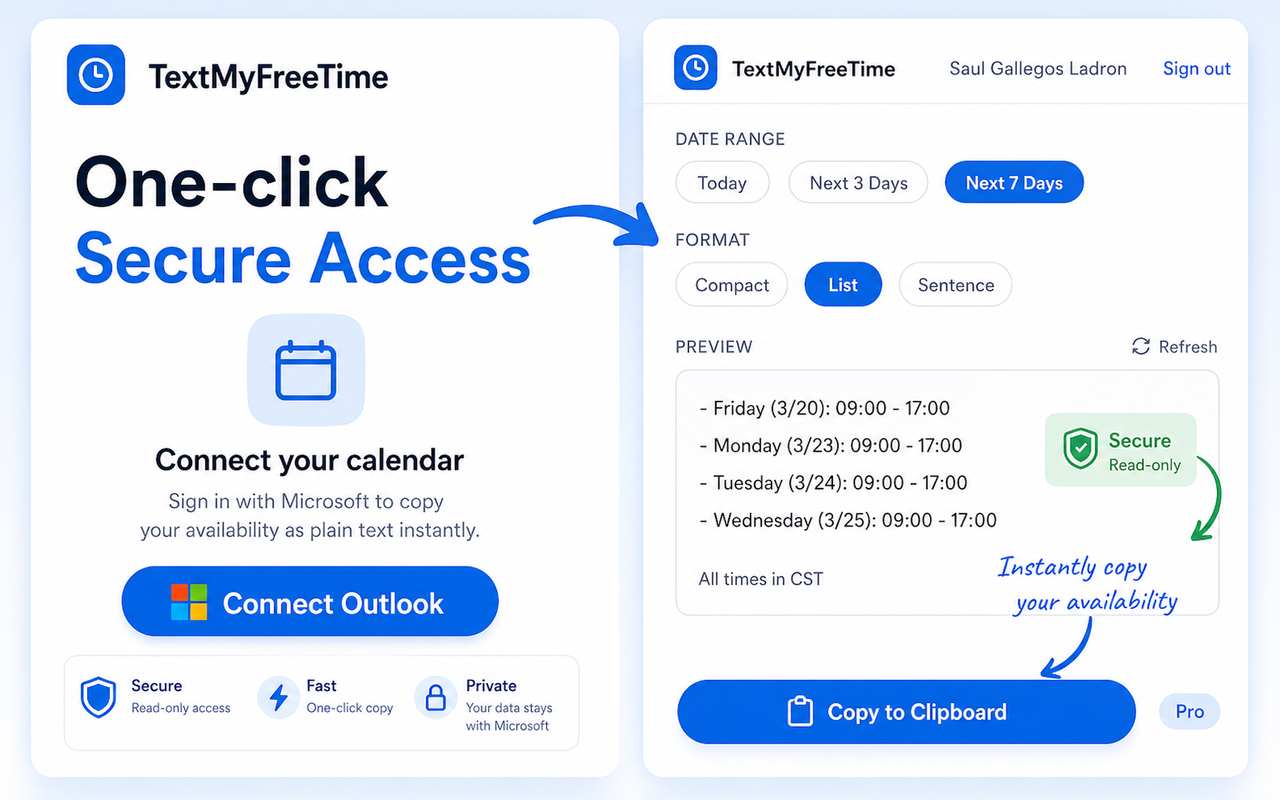
TextMyFreeTime reads your live Outlook or Google Calendar and copies your availability as clean plain text — paste it into emails, Slack, LinkedIn DMs, or anywhere else in under 5 seconds.
Hey Alex,
Here's my availability this week — grab whatever works:
Mon 3/18 9–11am, 2–4pm | Tue 3/19 10am–1pm | Wed 3/20 9–12pm (PST)
Let me know!
Works with Google Calendar & Microsoft 365
From install to paste in under a minute.
Add TextMyFreeTime from the Chrome Web Store. One click, no account required.
Sign in with your Google or Microsoft account once. We request read-only calendar access — nothing more.
Choose Today, Next 3 Days, or Next 7 Days. Then pick Compact, List, or Sentence format.
Hit Copy and paste your availability into any email, DM, Slack thread, or text message.
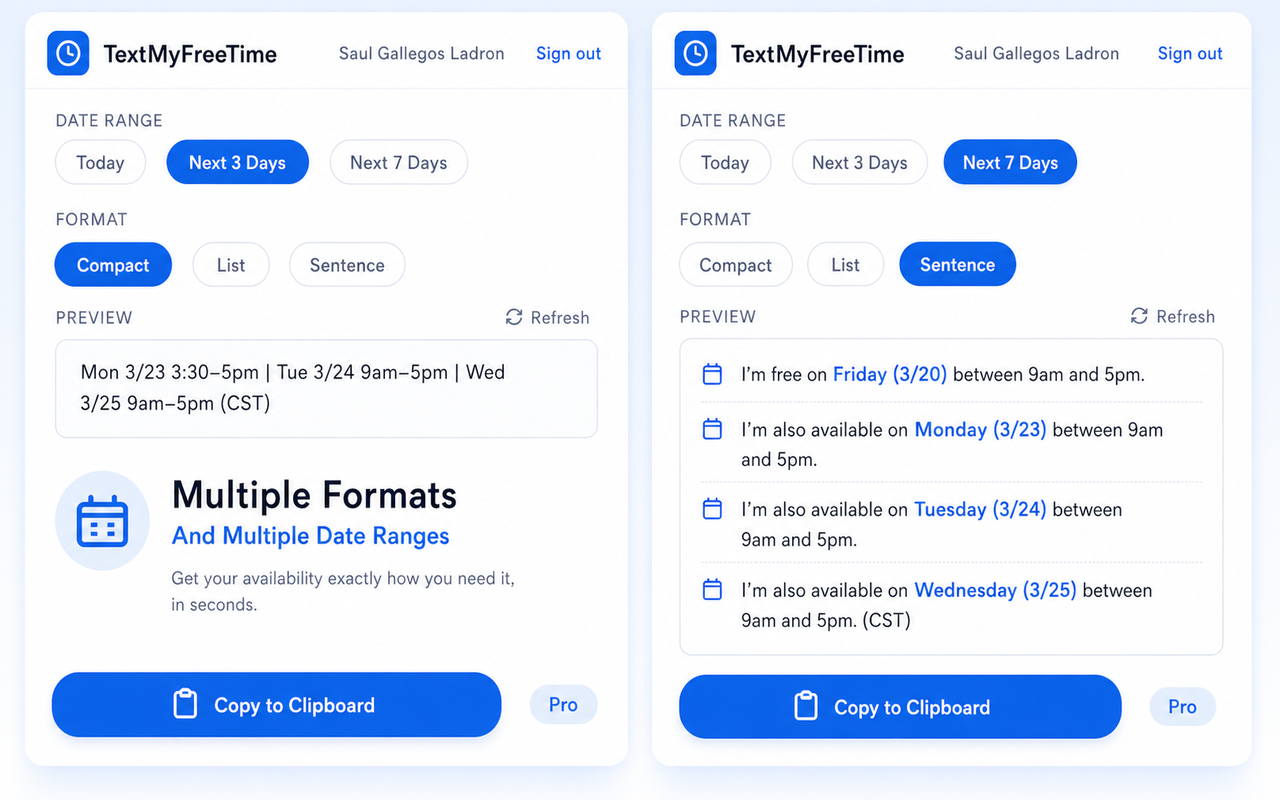
Pick the format that fits the conversation.
Perfect for quick emails and DMs. One line, all the info.
Mon 3/18 9–11am, 2–4pm | Tue 3/19 10am–1pm | Wed 3/20 9–12pm (PST)
If you send your availability more than once a week, this is for you.
Drop your availability right into cold emails. Plain text converts better than a Calendly link that kills reply rates.
Share open slots in Slack threads or support tickets in seconds. No context switching, no extra tabs.
Propose interview times in LinkedIn DMs without the endless back-and-forth. Candidates just pick a time.
Works with Google Calendar or Outlook. Copy your free time into any channel — email, Teams, WhatsApp, anything. No link, no friction.
Guides and tips to save time managing your calendar.
Is your cold email response rate dropping? Discover why dropping the scheduling link in favor of plain text availability is the ultimate SDR hack.
Stop manually typing your schedule or sending screenshots. Discover the exact workflow to extract your Outlook availability into perfectly formatted plain text instantly.
Learn the right way to share your calendar availability in email. We cover the manual method, why scheduling links fail, and the ultimate plain text solution.